CardScanner
An iOS app that scans a business card, or several at once, and turns each one into a ready-to-save contact, then finds that person on LinkedIn for you.
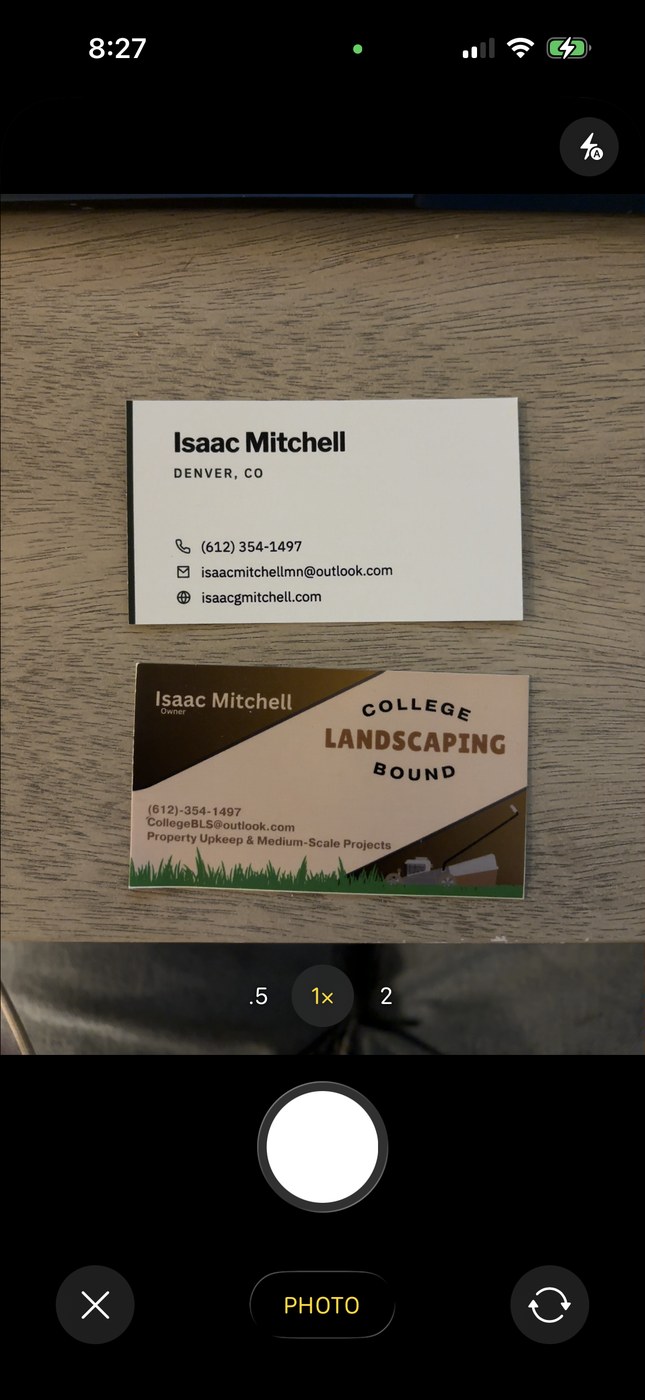
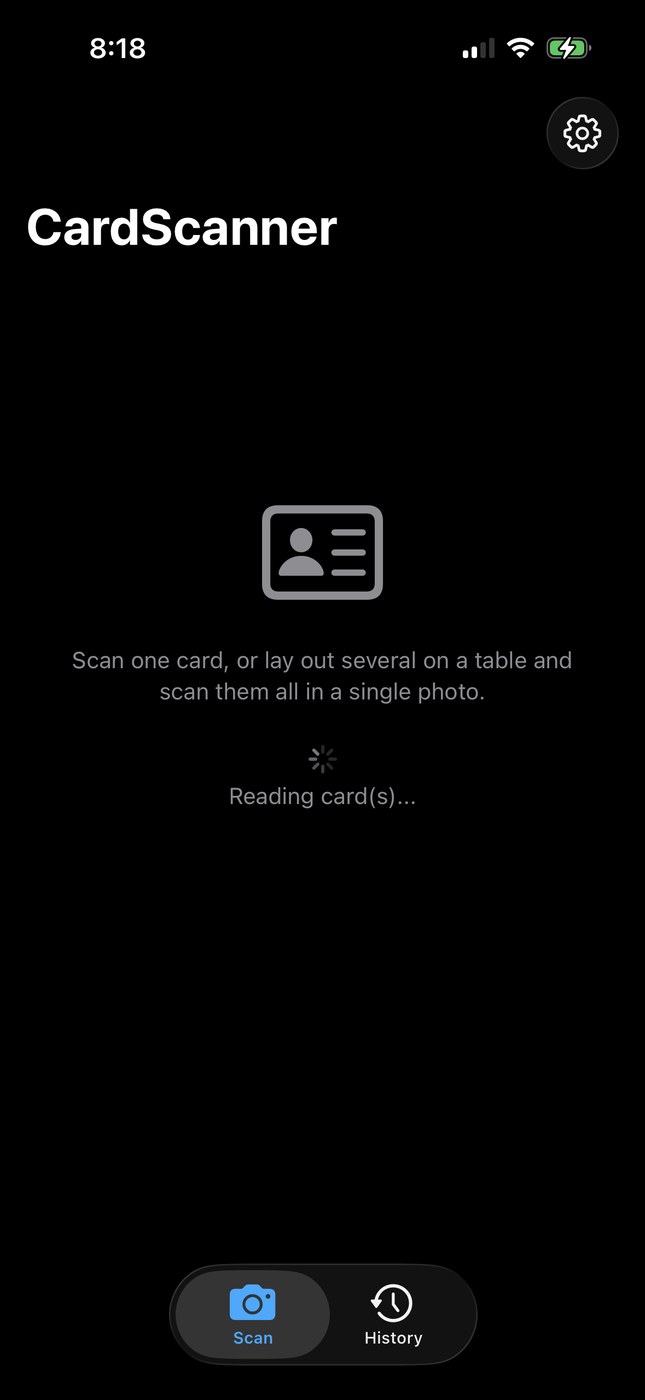
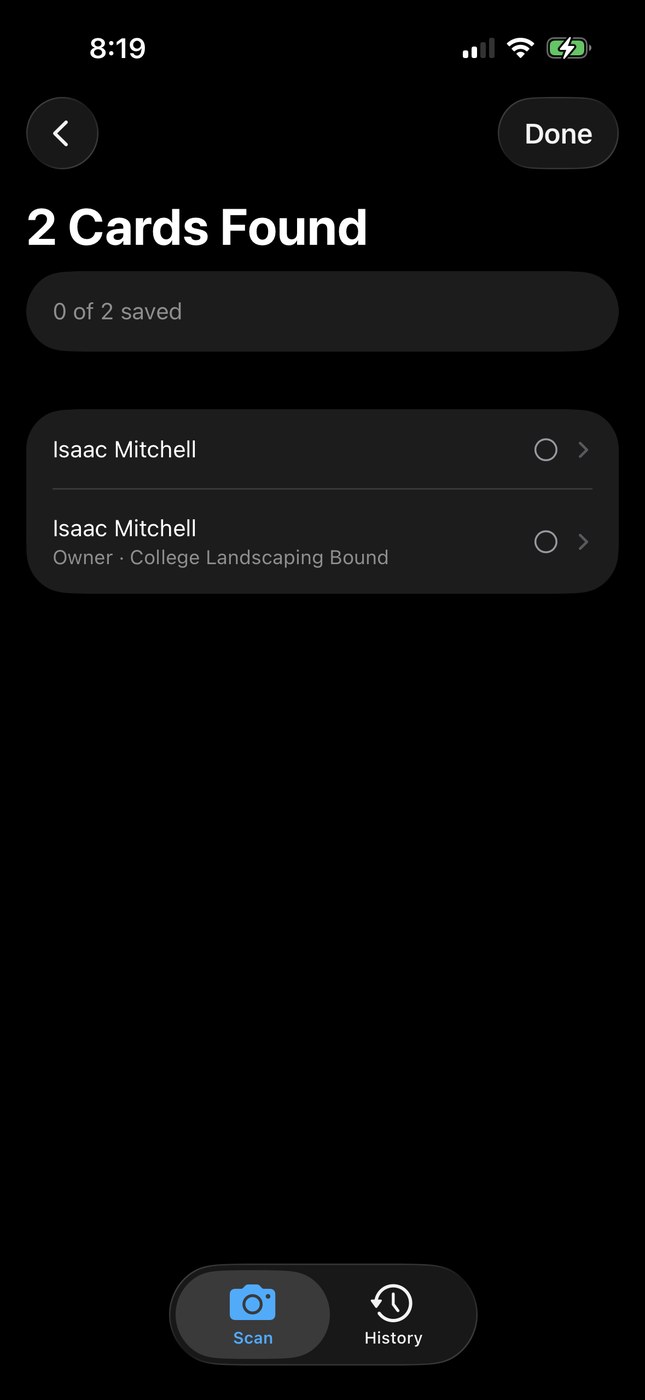
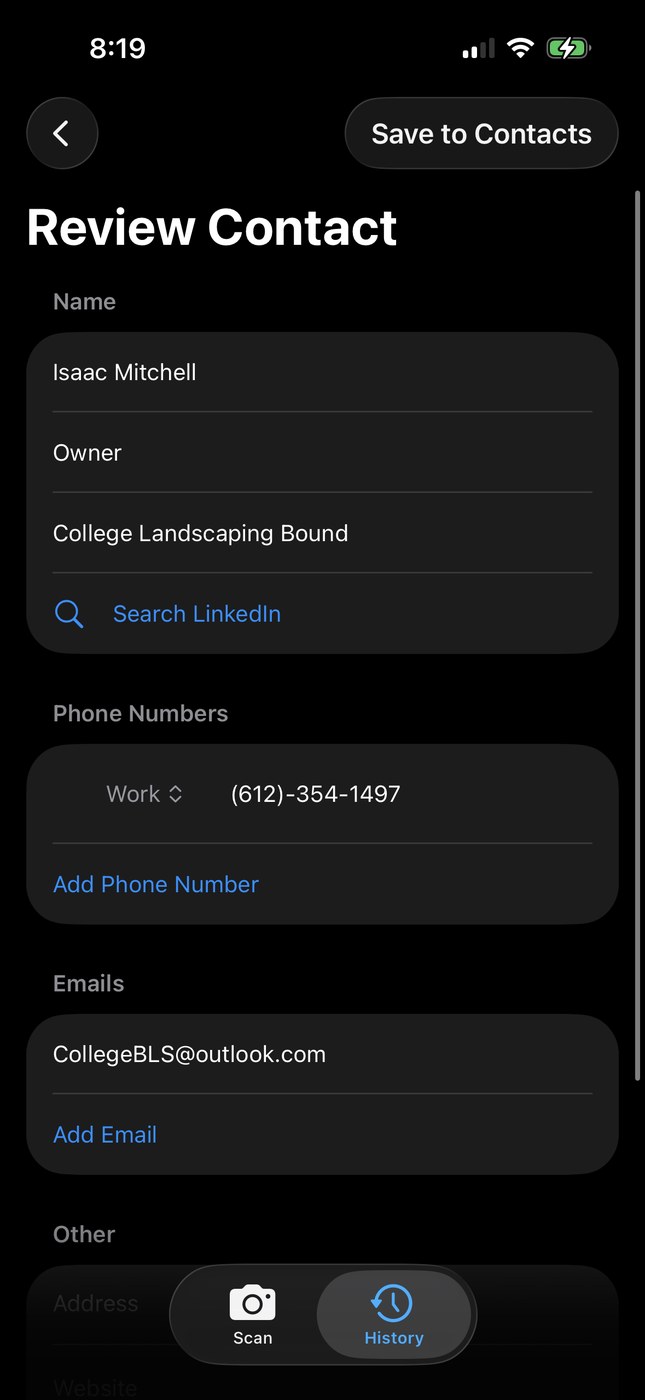
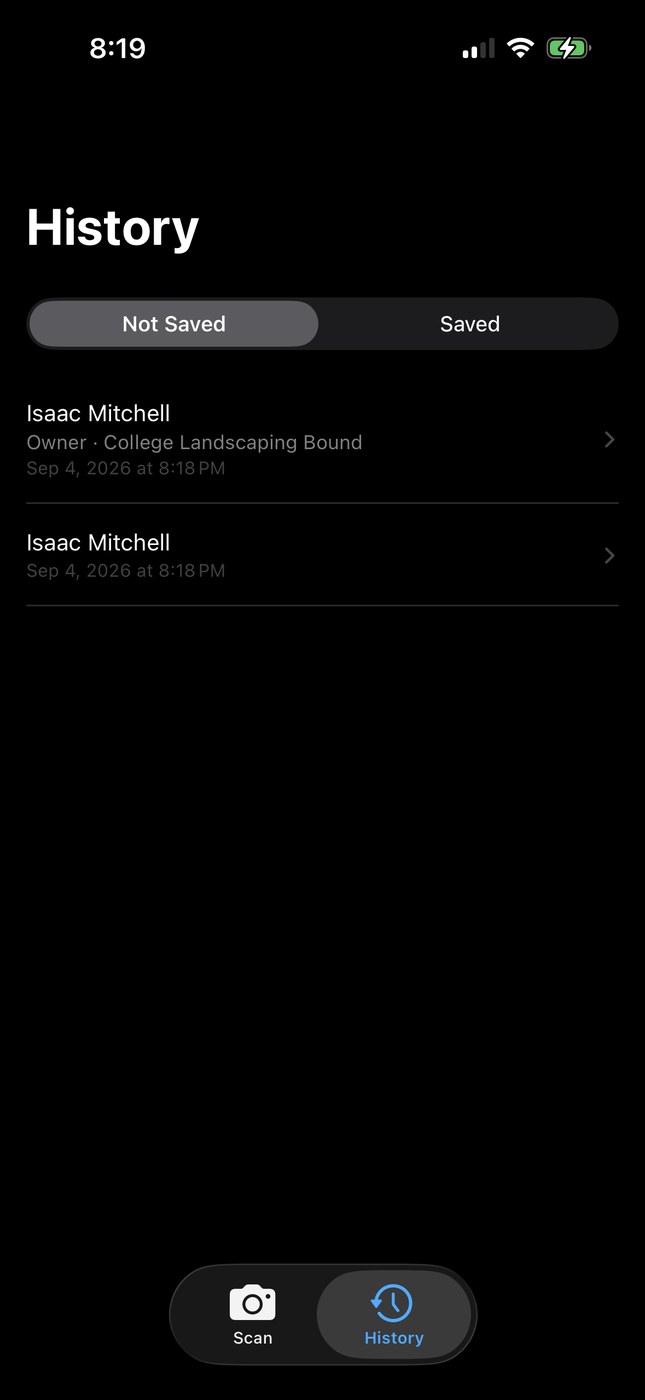
Screenshots use two of my own business cards so no one else's information is shown.
- Built after a networking event where I wanted to add a lot of new contacts without typing in each person's information by hand.
- Built natively in Xcode and Swift, with Claude Code writing the code from my prompts. It was also my first time integrating AI directly into an app through its own API key, rather than just using AI as a coding assistant.
- Uses AI rather than hardcoded rules to read and sort the text on each card, since AI is better at judging context than a fixed set of rules would be.
- Automatically catches duplicate scans and saves your progress, so you can snap pictures of a whole stack of cards and add them to Contacts at your own pace.
- Currently a personal-use app, running on my own phone rather than distributed through the App Store.
The Problem
I was at a networking event and came away with a stack of business cards. Adding all of those people to my contacts one at a time, typing out each name, company, phone number, and website, wasn't something I wanted to do by hand. I wanted to just take a picture of the card and have the rest handled for me.
I knew apps already existed that do this, but building my own was a small enough time commitment that it made more sense than paying for one or dealing with ads, especially when I could get exactly the features I wanted along the way.
How It Works
You take a picture of one business card, or several at once, and the app reads the text on each one and sorts it into the right fields: name, company, title, phone, email, website. I could have hardcoded a set of rules to parse that text myself, but an AI model is simply better at judging context, like telling a person's name apart from a business name, than a fixed set of rules would be. Once a card is parsed, you land on a review screen where every field is editable, so you can fix anything the scan got wrong or fill in something it missed before saving it to your phone's Contacts app.
Building It With Claude Code
This was built entirely by prompting Claude Code rather than writing the Swift myself, and it was also my first time integrating AI directly into an app through its own API key, rather than just using AI as a coding assistant. I'd describe what I wanted a feature to do, let Claude Code write it, and then use the app myself to find the next thing that needed fixing or adding.
Iterating After Using It
The early version of the app lost your progress if you closed it before adding every scanned card to Contacts. To fix that, I had it save each scanned card to a list, tagged as either added or not yet added, so you can take pictures of a whole stack of cards at an event and go back through adding them to Contacts whenever you actually have time, instead of being stuck doing it all in one sitting.
I also realized that scanning the same card twice, which is an easy mistake to make with a stack of cards, would create a duplicate contact. So I had it check new scans against what's already in the list and skip anything it recognizes as a repeat.
Finding People on LinkedIn
After an event, I'd go back through my new contacts and manually search for each person on LinkedIn. Since the app already had each person's first name, last name, and company, I added a feature that takes that information and pastes it directly into LinkedIn's search bar, so I can jump straight to trying to find the right profile instead of typing the same search in by hand every time.
← Back to portfolio